Tie Tracker update brings iCloud sync and native file storage to iOS
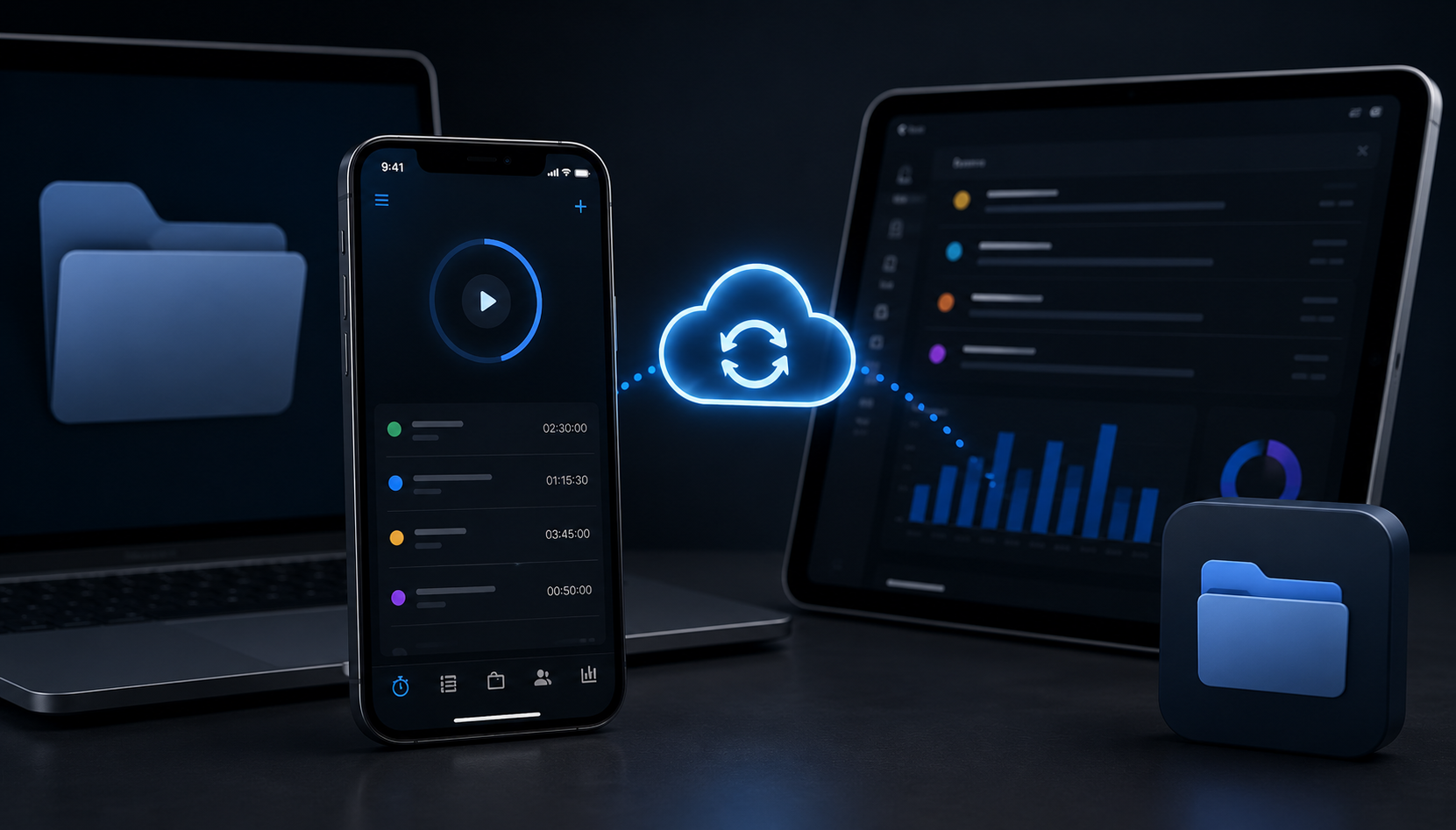
Tie Tracker, the local-first time tracking app created by developer David Dal Busco, has received a major update that replaces IndexedDB storage with the device’s native filesystem, bringing automatic iCloud synchronisation to iOS and removing the need for manual backups.
Dal Busco announced the release on social media, saying the change allows data to sync across Apple devices through iCloud by default, while still giving users the option to disable the feature if they prefer not to share data with Apple.
The update also includes a refreshed dark mode and a broader review of the app’s visual design. Dal Busco said the project’s codebase is now more than seven years old, and described the latest release as an opportunity to make substantial architectural improvements.
Tie Tracker is designed as a local-first application, meaning users’ data remains on their own device or in their browser when using the web version. According to the project documentation, the app does not use a remote database, analytics or user tracking.
The software is aimed at freelancers, contractors and other professionals who need to track working hours across clients and projects. Features include project budgeting, marking entries as billed, weekly and daily reporting, and exporting invoice timesheets in XLSX format.
The iOS version now uses iCloud synchronisation by default, allowing data to transfer automatically when users move to a new iPhone. Backup and restore through ZIP files remains available across platforms.
Dal Busco has also kept the project open source under the GNU Affero General Public License, with the full source code available on GitHub. The app is offered free on iOS, Android and the web.
The update reflects a wider trend among productivity app developers towards local-first architecture, which prioritises user control over data while reducing dependence on cloud-based services. For existing Tie Tracker users, the move to native filesystem storage is likely to be the most noticeable change, particularly on iOS where backups and device migration become largely automatic.