Juno Update Brings Safer Defaults and Smoother Tools for Developers
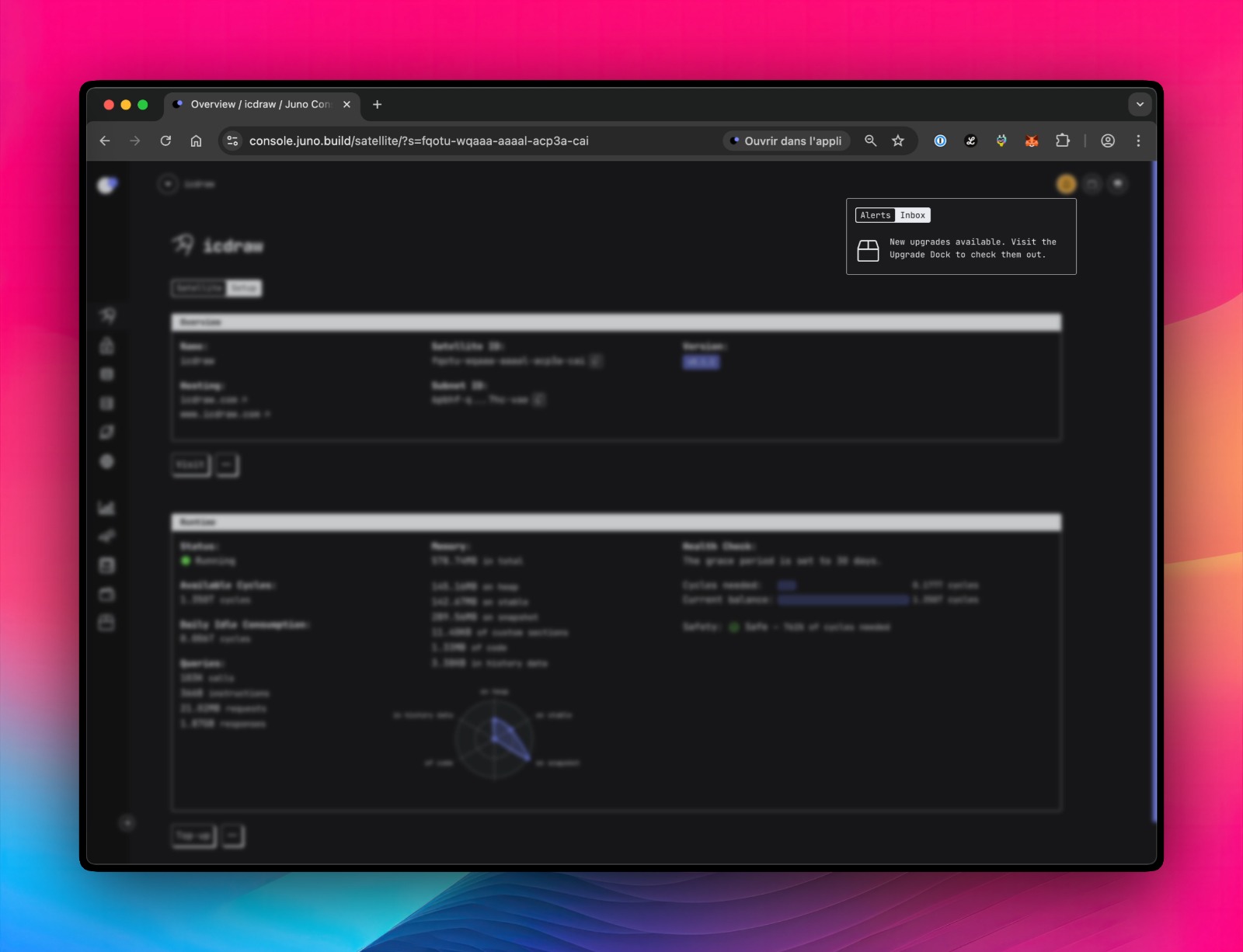
The latest Juno platform update has landed with a focus on giving developers more time, clearer guidance and a better user experience. One of the key changes is a longer default grace period before modules are permanently frozen — now set to one year for most, and three months for analytics tools. The change aims to give users more breathing room before anything is locked or deleted.
The update doesn’t apply to existing modules automatically, but a new notification feature inside the platform will remind users if their settings could use an update. These alerts are built into the interface and can be dismissed if not needed.
Other updates are aimed at day-to-day usability. The Console interface has been cleaned up, with a collapsible menu, redesigned tabs, and improved alerts to highlight low balances or outdated settings. These tweaks make the platform easier to navigate, especially for teams managing multiple projects.
A new option now lets developers restrict who can access their tools by approving specific user identities. It’s a practical addition for anyone building apps or services that require tighter control. Keys used for automation are automatically handled in the background, so nothing breaks unexpectedly.
Developers who prefer working locally will notice a few changes too. The older method of switching between workspaces has been replaced with a simpler command that separates project settings more cleanly. Configuration files can now be written directly into code projects, making it easier to share and manage consistent setups across teams.
One small but welcome fix includes better support for compressed web pages, which can now load faster thanks to improved handling behind the scenes.
There’s also a gentle shift in how Juno handles updates and changes. From version tracking to collection settings, more controls are now available directly in the user’s working files — reducing reliance on clicking through the interface.
Finally, the latest version supports Podman, giving developers an alternative to Docker if it suits their system better. If both are installed, the platform will simply ask which one to use.
The team behind Juno says these updates are part of an ongoing effort to make the platform more user-friendly, especially for developers juggling multiple apps or working in teams. While the changes won’t disrupt existing setups, they’re encouraging users to review their settings to take full advantage of the improved defaults and new features.
The update is available now, with full guidance accessible through Juno’s documentation channels.
Dear Reader,
Ledger Life is an independent platform dedicated to covering the Internet Computer (ICP) ecosystem and beyond. We focus on real stories, builder updates, project launches, and the quiet innovations that often get missed.
We’re not backed by sponsors. We rely on readers like you.
If you find value in what we publish—whether it’s deep dives into dApps, explainers on decentralised tech, or just keeping track of what’s moving in Web3—please consider making a donation. It helps us cover costs, stay consistent, and remain truly independent.
Your support goes a long way.
🧠 ICP Principal: ins6i-d53ug-zxmgh-qvum3-r3pvl-ufcvu-bdyon-ovzdy-d26k3-lgq2v-3qe
🧾 ICP Address: f8deb966878f8b83204b251d5d799e0345ea72b8e62e8cf9da8d8830e1b3b05f
🪙 BTC Wallet: bc1pp5kuez9r2atdmrp4jmu6fxersny4uhnaxyrxau4dg7365je8sy2q9zff6p
Every contribution helps keep the lights on, the stories flowing, and the crypto clutter out.
Thank you for reading, sharing, and being part of this experiment in decentralised media.
—Team Ledger Life